This release brings a new option to exclude inactive end devices from the assessment, improvements to the documentation, and several UI bug fixes.
Exclude inactive end devices from assessments
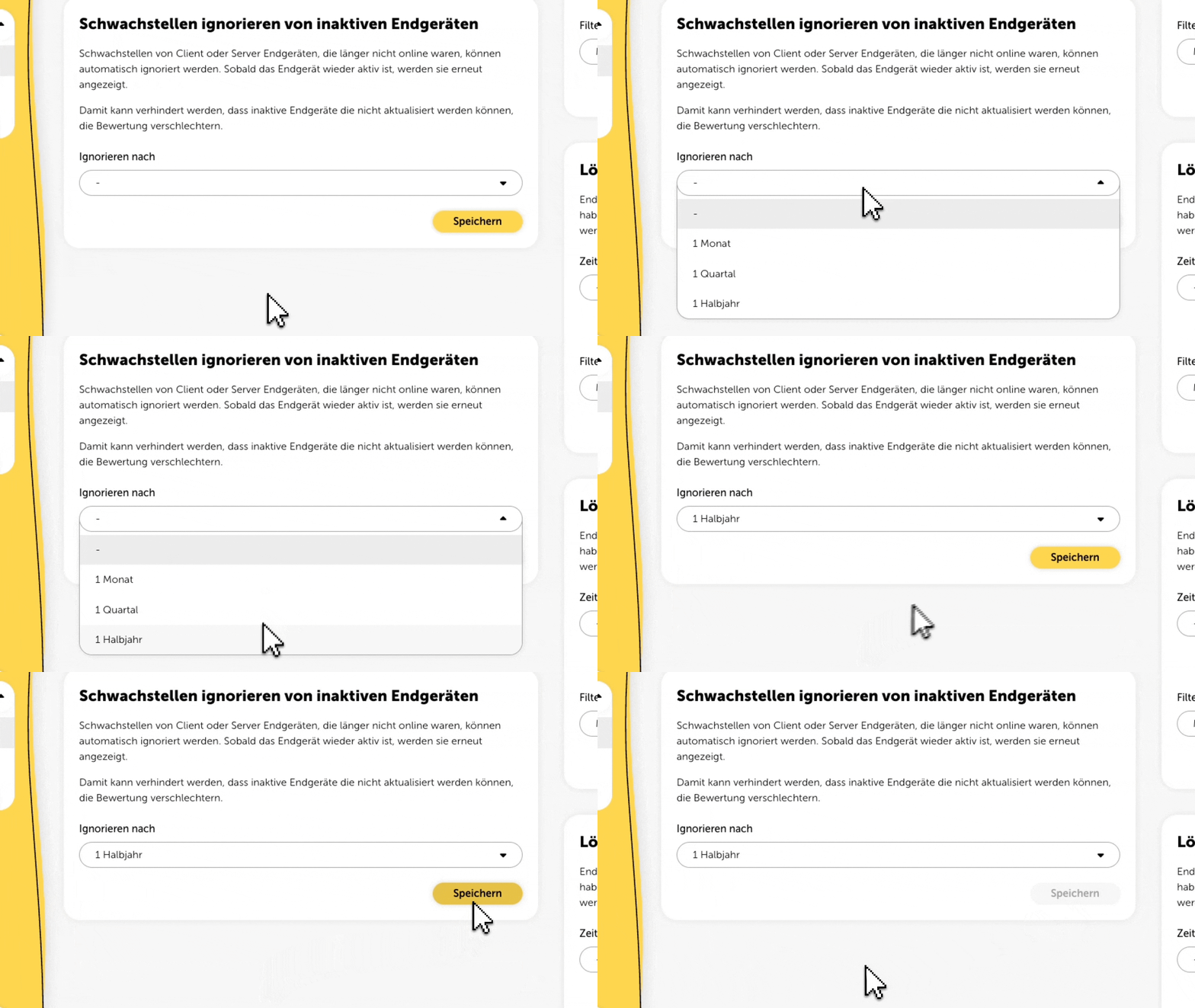
Vulnerabilities from client and server end devices that have been offline for a long time can now automatically be excluded from your assessment. As soon as a device is active again, the related vulnerabilities will be included once more.
This way, outdated or non-updatable devices won't mess up your assessments. The feature is available at partner level and can be enabled under Settings > General.
Optimized gateway setup by visualizing the IP addresses used in your network (Infrastructure > Internal (Network) > Setup)
Better documentation for the automated discovery process for external targets
Unified placement for the sticky page selection in tables
Fixed broken vulnerability texts
Fixed an issue where the “Start check” button couldn’t be clicked
Fixed several UI display issues
