Depending on how the agent was installed, a suitable method for uninstallation must be chosen.
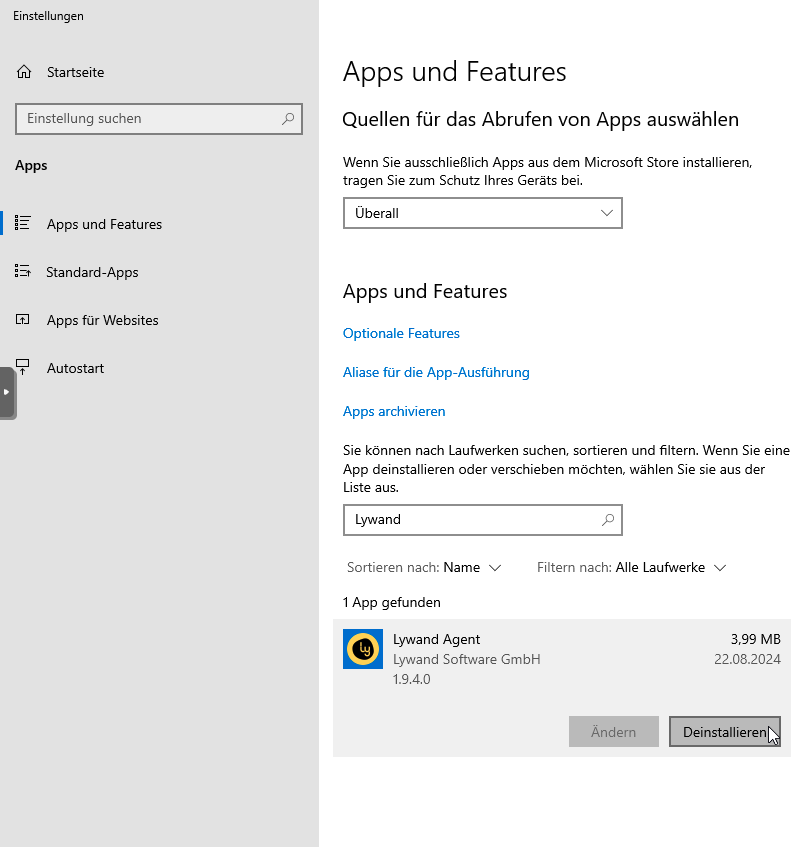
The agent can be uninstalled the usual way in Windows under Apps and Features (or something like that).
msiexec /x lywand_setup.msi /qn"C:\Program Files (x86)\Lywand Agent\unins000.exe" /VERYSILENT /SUPPRESSMSGBOXESUsually, the agent can be uninstalled using the software distribution system that was used for the installation.

