ESXi host available
ESXi VM storage and VM networks for the gateway available
Gateway image (OVA) downloaded
→ see Knowledge Base entry for Internal (Network)
1) Login to the ESXi host
2) Create a new VM
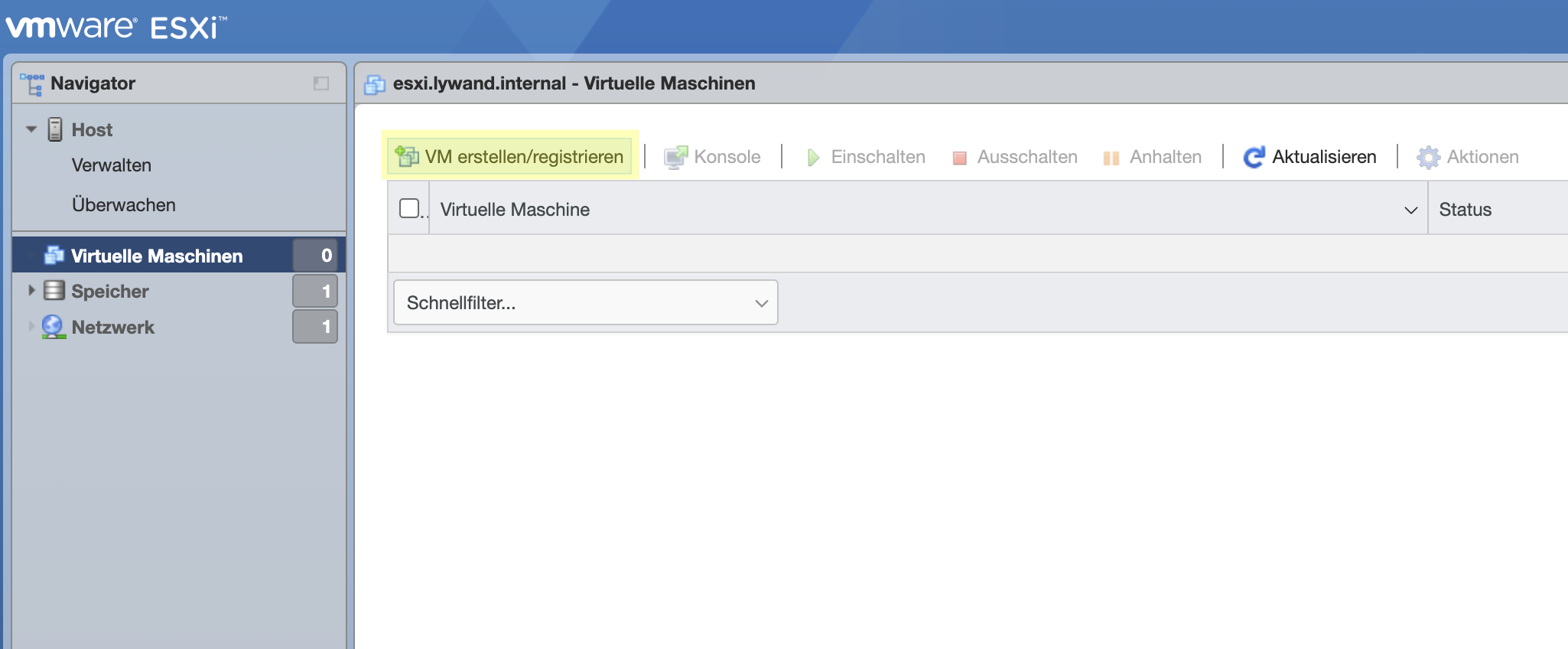
New VM
3) VM is created from an existing OVA

VM via OVA Import
4) Assign VM name and select OVA image
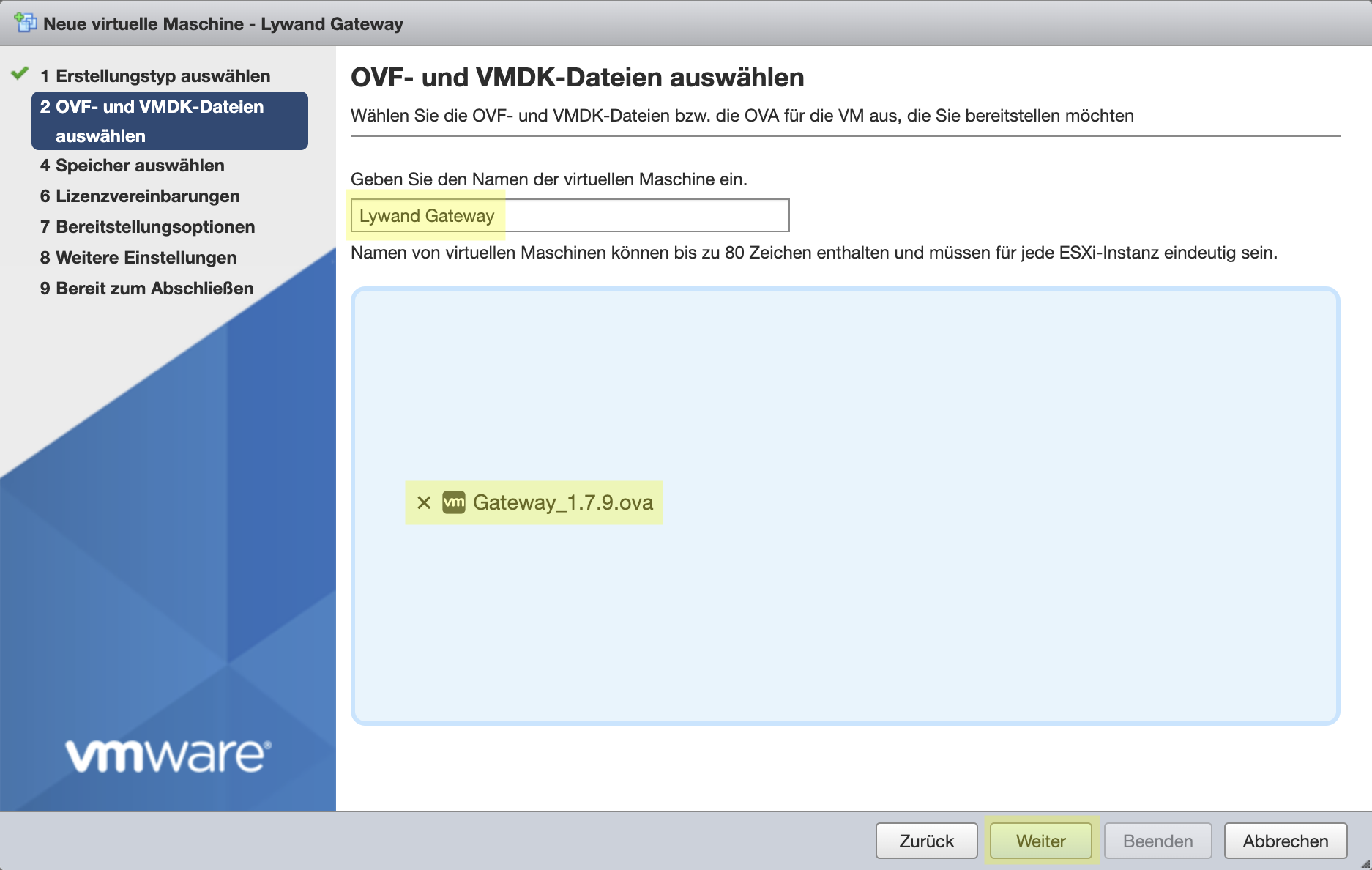
Assign name and select OVA image
5) Select desired datastore for this VM
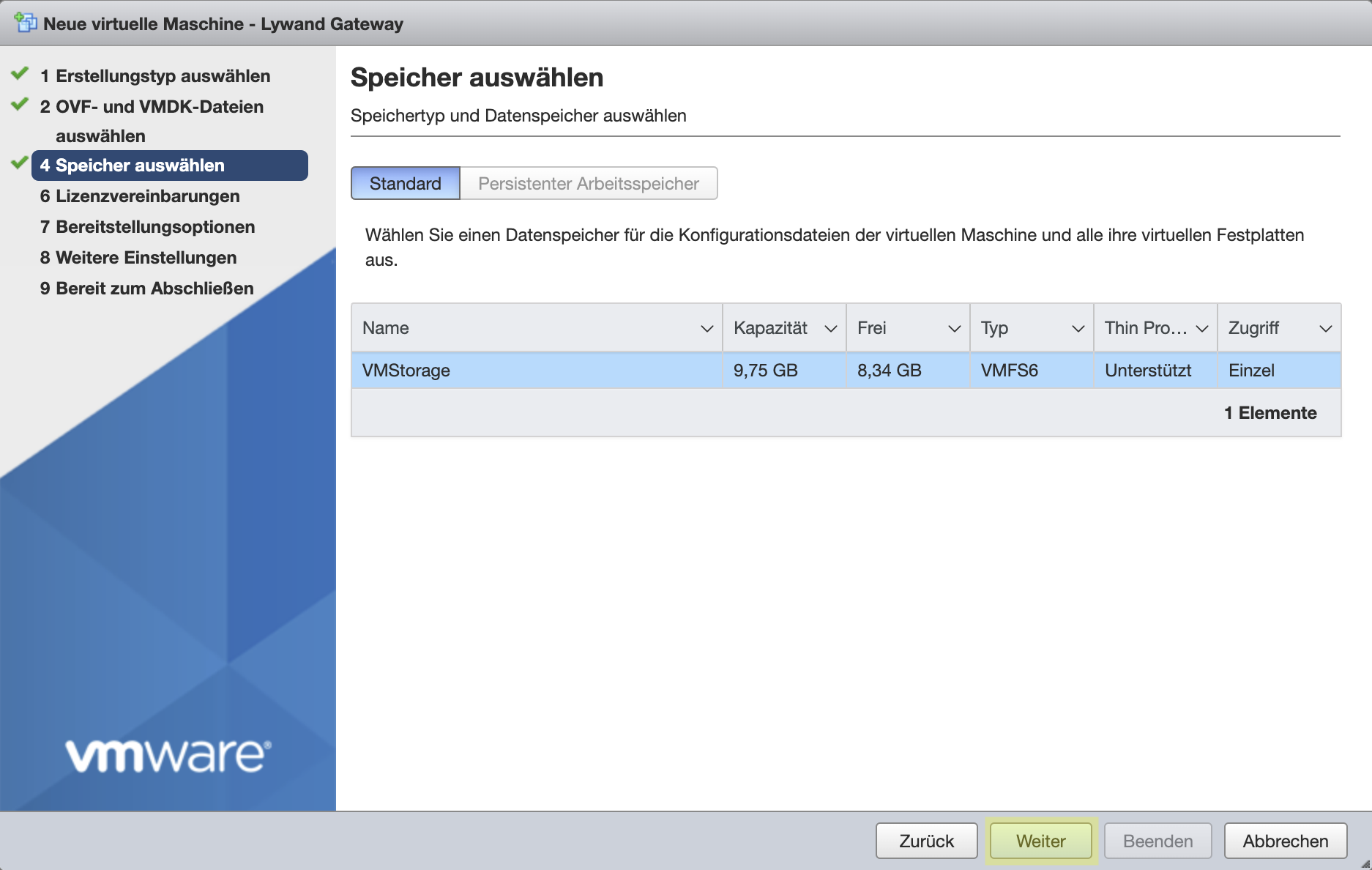
Select desired VM storage
6) Select desired network for this VM
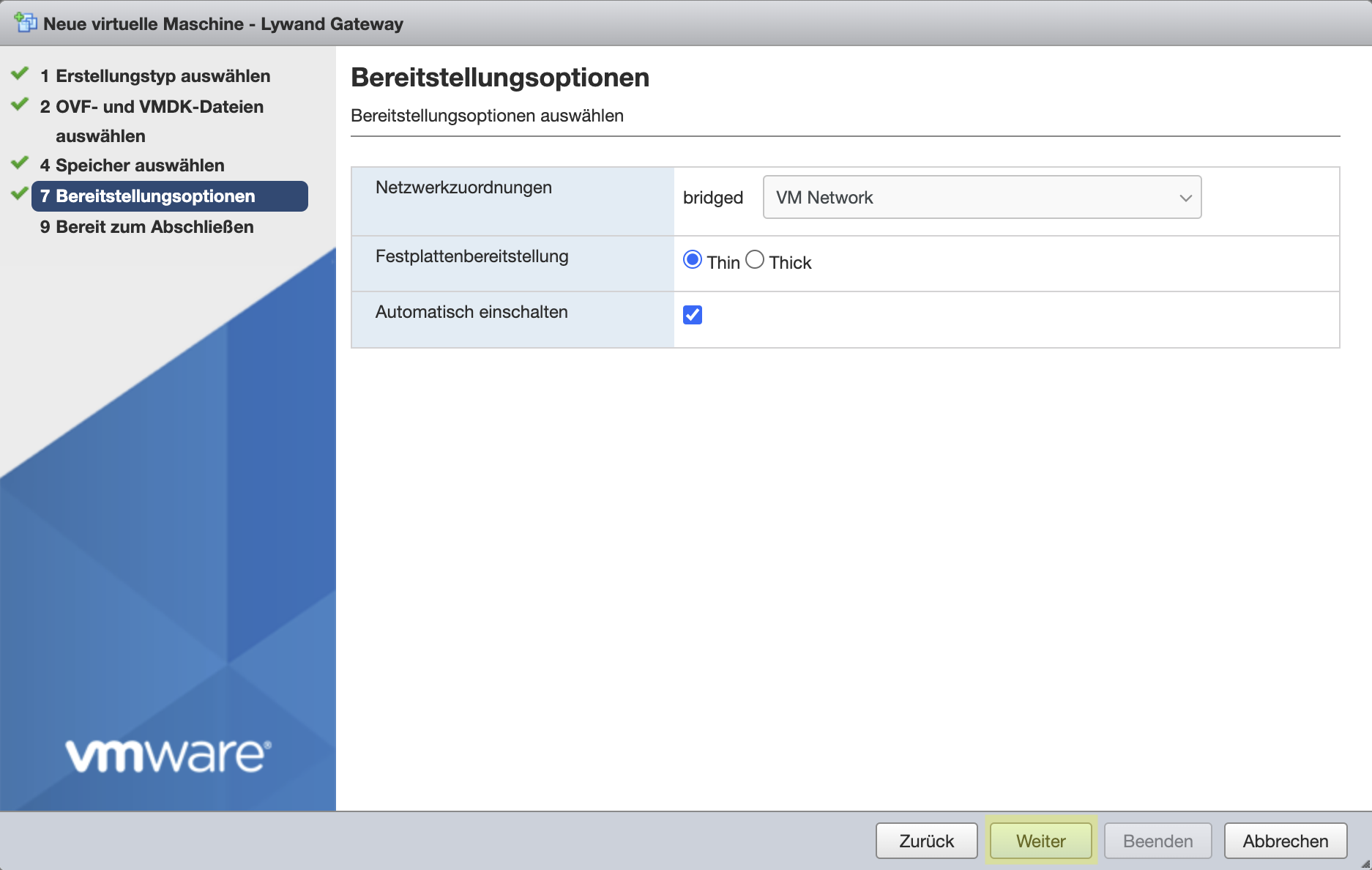
Select desired VM network
7) Check settings again and finish the wizard
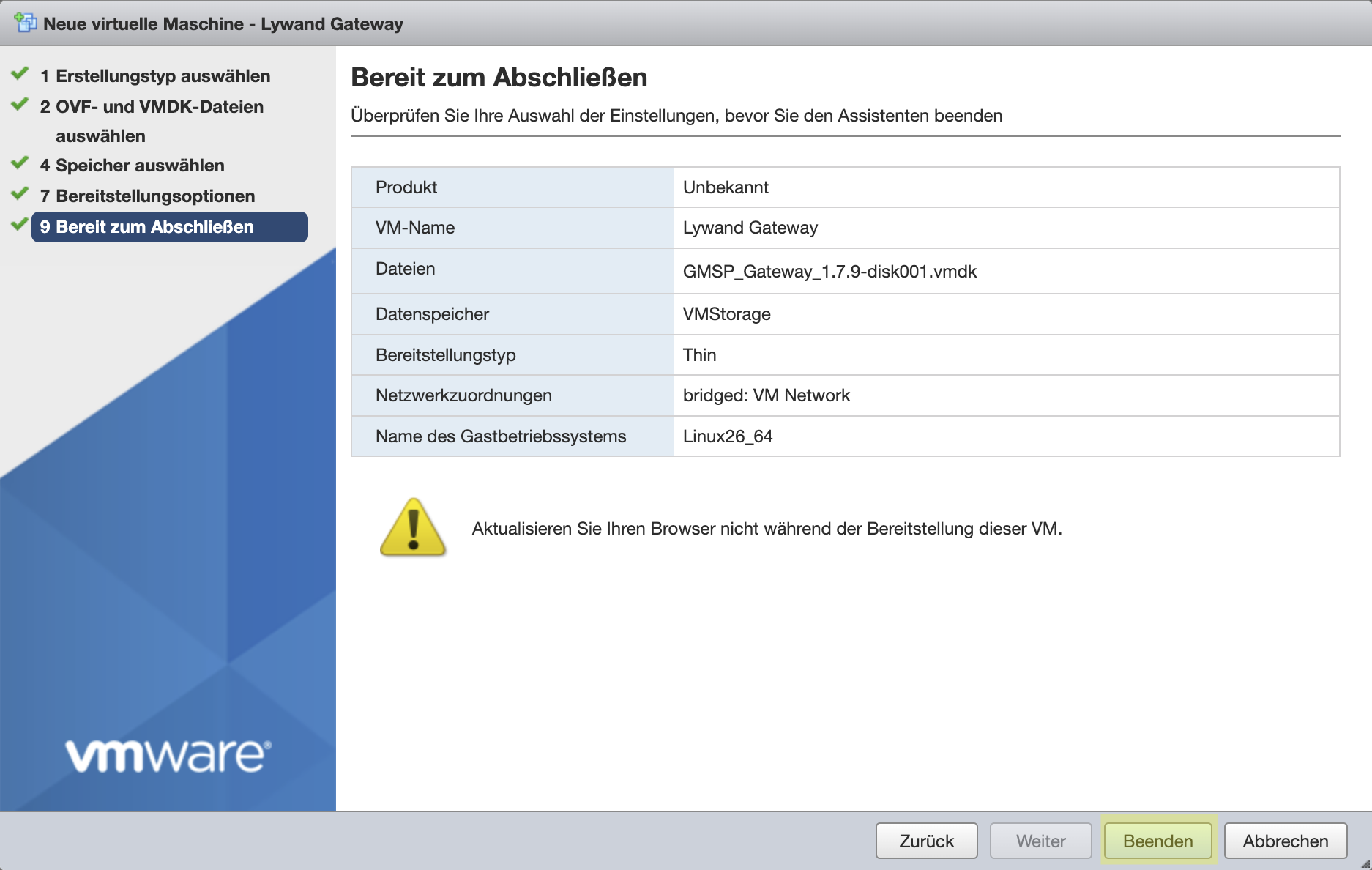
Check settings and create VM
8) Wait until the image has been uploaded

Wait for the image to upload

9) The VM should now start automatically and can be configured via the console
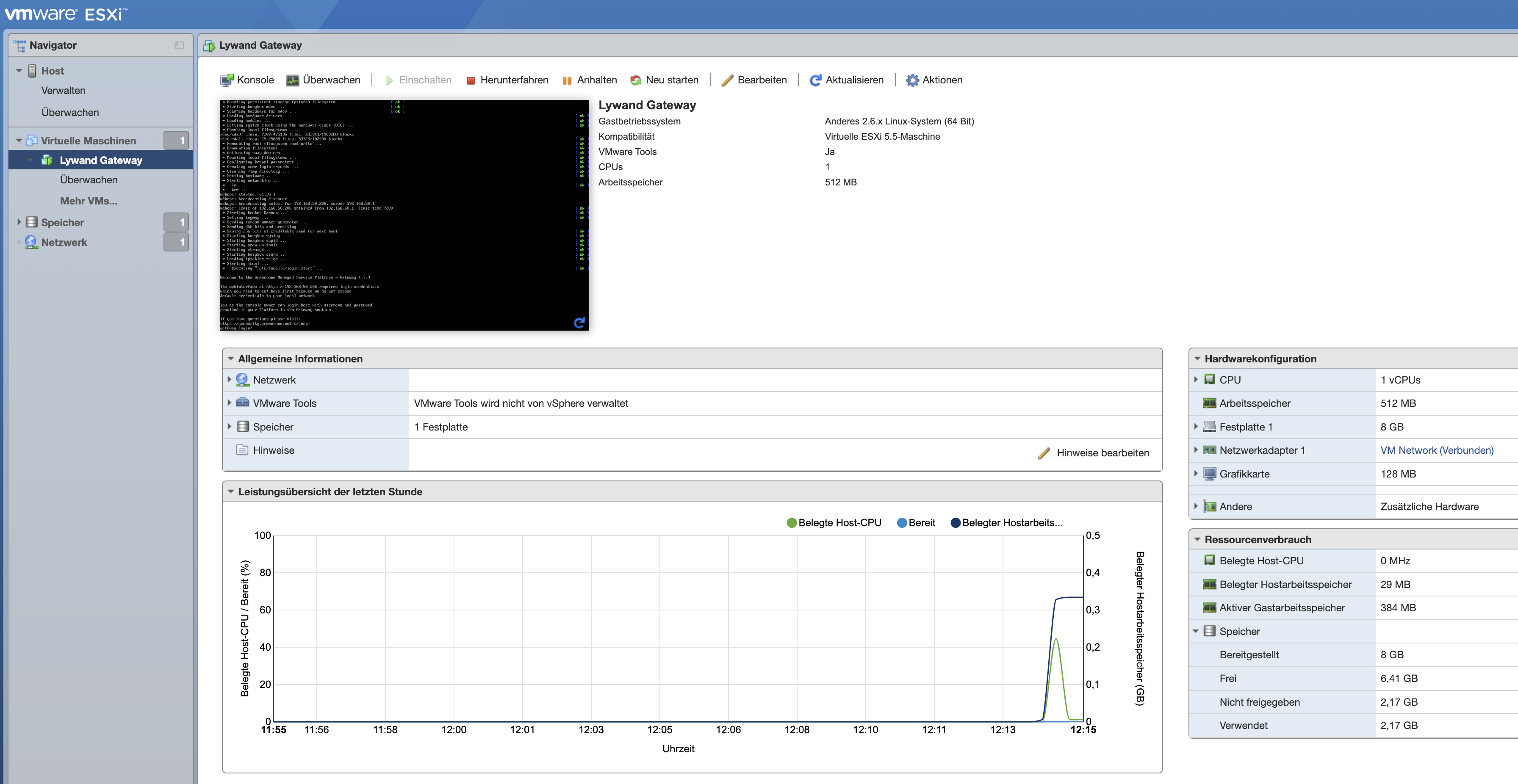
VM starts automatically after completion
