Proxmox VE host available
Gateway image (ZST) downloaded

1) Upload the image to the Proxmox VE backup storage
scp vzdump-qemu-gateway-1.7.9.vma.zst <PROXMOX_USER>@<PROXMOX_SERVER>:/var/lib/vz/dump/
2) Open the Proxmox web interface and navigate to the backup storage
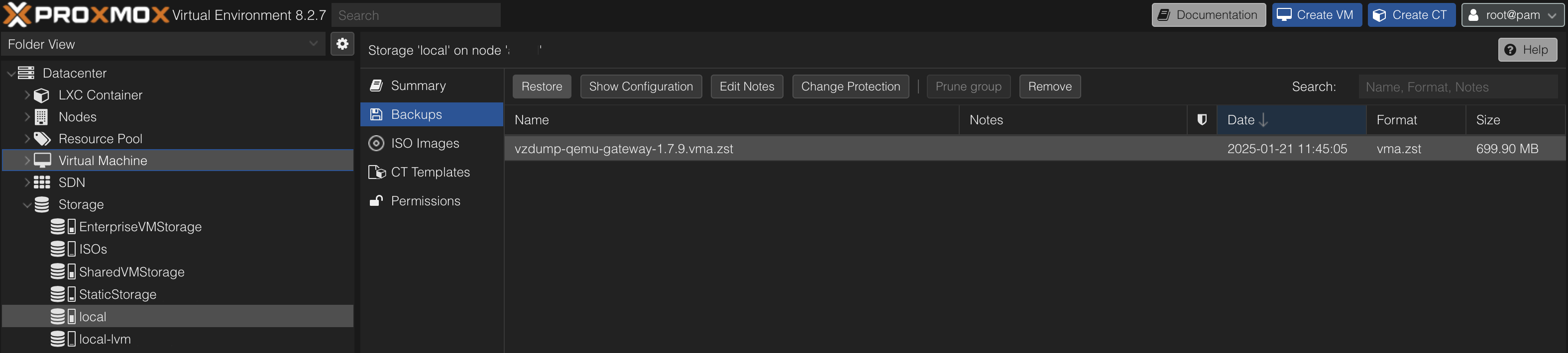
Proxmox backup storage
3) Select image and click Restore
4) Configure VM and click Restore

Configure VM settings
5) Wait for completion
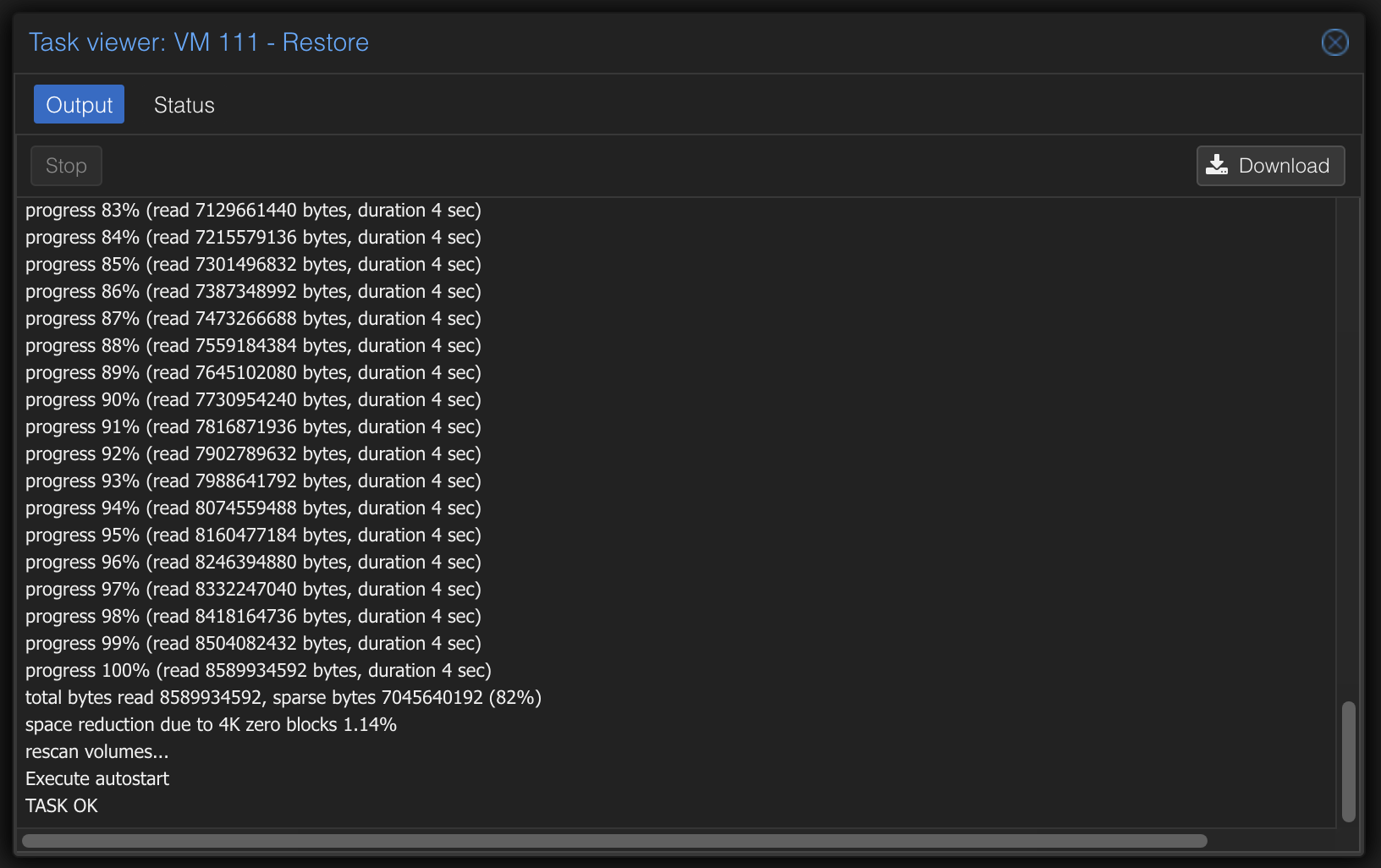
Load backup
6) The VM should now be created, and the gateway can be configured.
