To check your internal infrastructure for vulnerabilities, you have the option to install our agent on your customers' devices. The agent runs unnoticed in the background, performs agent checks once a day, and always delivers up-to-date results.
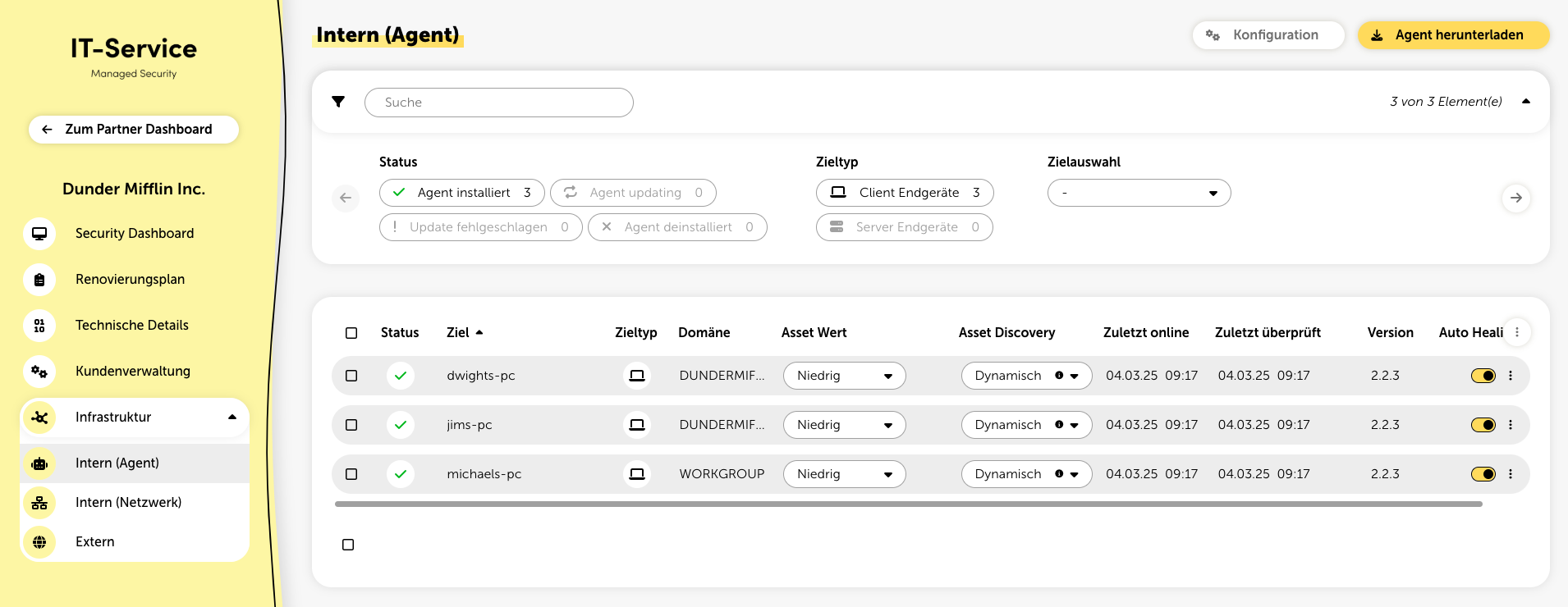
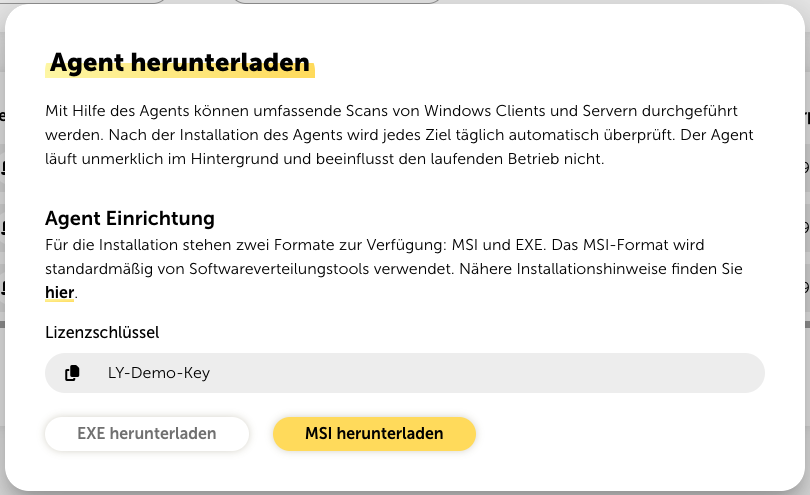
The latest installation file for the agent can be downloaded from the internal infrastructure page. To do so, click on the button “Download Agent” at the top right. A popup dialog will then open, where the installation file in MSI or EXE format can be selected.

Alternatively, instead of downloading through the platform, you can also download the latest installation files through the following static URLs:
https://agent.lywand.com/lywand-setup/latest/lywand_setup.msi
https://agent.lywand.com/lywand-setup/latest/lywand_setup.exe
In addition, the current installation files are also available in zipped format:
https://agent.lywand.com/lywand-setup/latest/lywand_setup.msi.zip
https://agent.lywand.com/lywand-setup/latest/lywand_setup.exe.zip
💻 Supported Operating Systems
List of operating systems supported by the agent
During the installation of the agent, a license key must be provided. This can also be found in the popup dialog where the agent can be downloaded. The license key is the same for all devices of a customer.

The agent can be installed on end devices using common software distribution tools. Click the “Configuration” button to access the corresponding page where you can find more information.
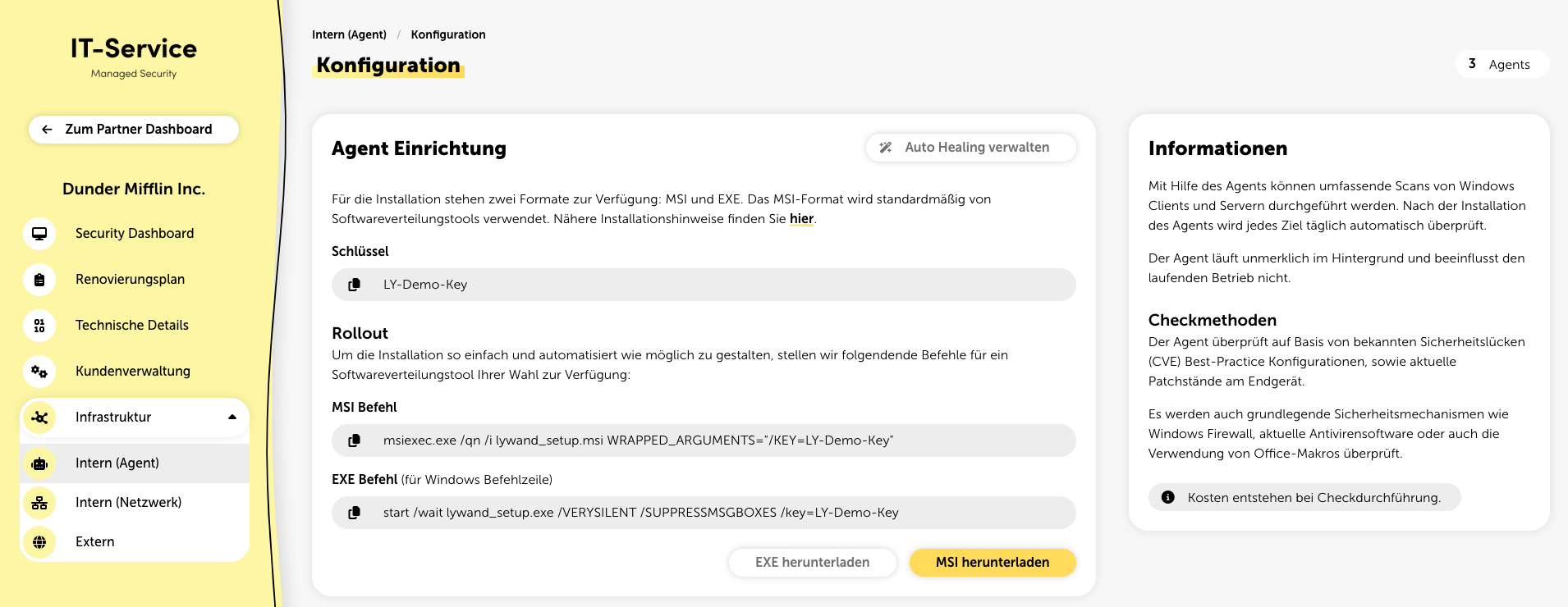
There you will also find the following commands that you can use with a software distribution tool of your choice to deploy the agent:
MSI Command:
msiexec.exe /qn /i lywand_setup.msi WRAPPED_ARGUMENTS="/KEY=LY-Demo-Key"EXE Command (for Windows Command Line)
start /wait lywand_setup.exe /VERYSILENT /SUPPRESSMSGBOXES /key=LY-Demo-KeyFor more information on the agent rollout, refer to our Agent Rollout Guide. It contains step-by-step instructions for various installation options. Additionally, the available installation parameters are described.
The agent can also be installed using the graphical installation wizard. Simply execute the installation file and follow the setup process. If a proxy is being used, its URI must be specified during the installation. The license key also needs to be entered during the installation.
Please note that the agent must be able to access the following URLs to function properly:
https://agent.lywand.com:443
https://go.lywand.com:443
https://definitions.lywand.com:443
